

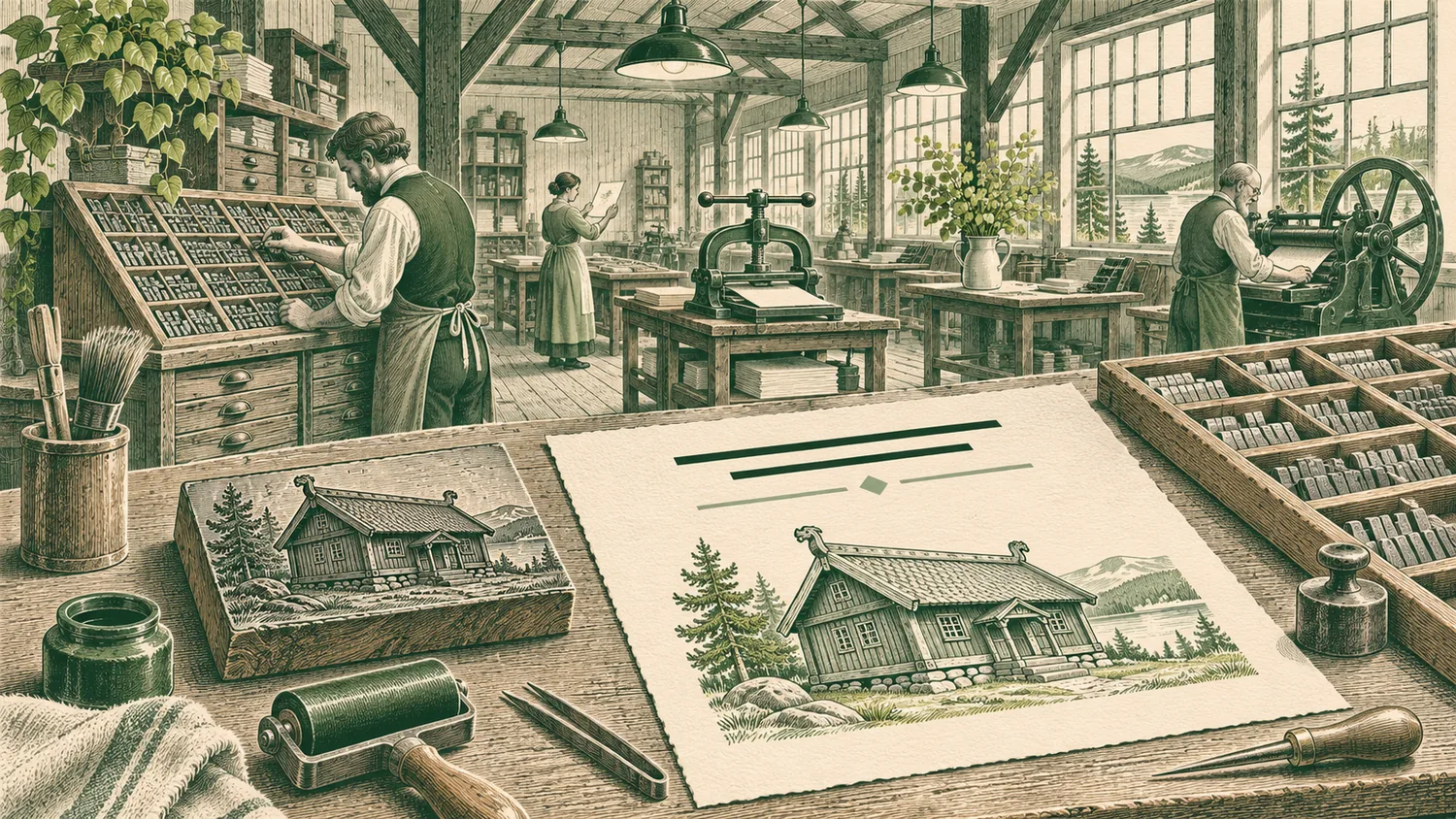
When we set out to build Corvenia Labs (labs.corvenia.com), our requirements looked deceptively simple on the surface: we wanted an engineering and applied-AI publication that matched the visual identity of corvenia.com, and compiled Markdown articles into static HTML.
Beneath the surface, however, we had two strict architectural constraints that rarely coexist in modern web stacks:
- Zero-JS Content & Search/LLM First: Every heading, table, diagram, and syntax-highlighted code block had to be 100% pre-rendered at build time. Neither search engine crawlers nor LLM agents reading the site should ever need to execute client-side JavaScript to parse our technical research.
- Self-Curating AI Metadata & On-Brand Visuals: Writing deep technical articles is hard enough without manually crafting SEO excerpts,
llms.txtabstracts, and bespoke hero illustrations in our exact forest-green and mint-emerald brand palette. We wanted the build pipeline itself to orchestrate command-line coding agents—Google Antigravity (agy), OpenAI Codex (codex), or Claude Code (claude)—to synthesize summaries and brand-aligned SVG artwork automatically, using a per-articleinspiration/folder as creative input.
Here is how we designed and built Corvenia Labs in a single agentic pair-programming session.
1. Extracting the Design DNA of Corvenia
Rather than reaching for a generic documentation theme, we extracted the exact typography and color tokens from corvenia.com:
- Display Serif (
Ltmuseum): Light (300) weight with tight-0.01emtracking for editorial authority on H1–H3 headings. - UI Sans (
Soehne Buch&Soehne Kraftig): Clean geometric legibility for long-form technical prose. - Code & Telemetry Mono (
Soehne Mono Buch): Tabular numerals (font-variant-numeric: tabular-nums) for benchmark tables, latency metrics, and syntax-highlighted C# and SQL blocks.
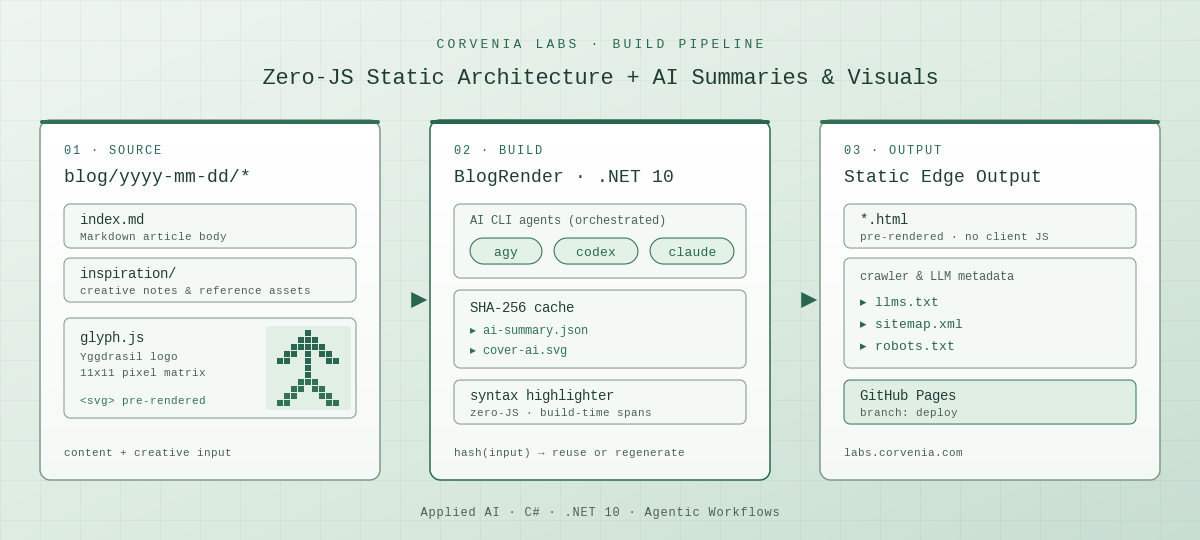
For the header, hero, and credibility banners, we brought over the interactive 11×11 glyph canvas directly from Corvenia's login and navigation components. The lockup pairs a 270% bleeding <canvas> surface driven by glyph.js (data-glyph="wake" and data-glyph="magnet") with a static SVG fallback so the brand mark degrades gracefully even in text-only or JS-disabled environments.
2. Folder-Driven Publishing with inspiration/ Context
Every article in Corvenia Labs lives in its own date-stamped directory under blog/yyyy-mm-dd/<slug>/. Inside that folder, authors can drop an index.md file alongside an inspiration/ subfolder:
blog/
└── 2026-11-06/
    └── how-corvenia-labs-was-built/
        ├── index.md
        ├── ai-summary.json          # Cached AI summary + subtitle (SHA-256 keyed)
        ├── cover-ai.svg             # Cached brand-styled vector illustration
        └── inspiration/             # Creative brief, rough sketches, or reference notes
            ├── visual-direction.md
            └── architecture-notes.txt
When an engineer writes a new post, they do not need to worry about writing a 160-character meta description, a punchy subtitle, or designing a 1200×540 hero diagram in Figma. Instead, they can drop rough notes, ASCII flowcharts, or reference images into inspiration/, and let the C# generator handle the rest.

3. Orchestrating agy, codex, and claude from .NET 10
Inside src/blog-render/Program.cs, our static generator inspects each article during UpdateBlog.bat / UpdateBlog.sh. It computes a deterministic SHA-256 content fingerprint across the Markdown source and everything inside the article's inspiration/ directory.
If ai-summary.json or the article's cover image is missing—or if --refresh-ai is passed—the generator automatically probes the local PATH for available CLI agents in priority order:
- Google Antigravity CLI (
agy) viaagy --disable-slash-commands --effort low --print="<prompt>" - Claude Code (
claude) viaclaude -p "<prompt>" - OpenAI Codex (
codex) viacodex exec --skip-git-repo-check "<prompt>"
using System.Diagnostics;
using System.Security.Cryptography;
using System.Text;

namespace BlogRender;

internal static class AiCliOrchestrator
{
    private static readonly string[] CandidateClis = ["agy", "claude", "codex"];

    public static string? InvokeAgentPrompt(string prompt, string workingDirectory)
    {
        foreach (var cli in ResolveAvailableClis())
        {
            var psi = BuildProcessStartInfo(cli, prompt, workingDirectory);
            using var proc = Process.Start(psi);
            if (proc == null) continue;

            var stdout = proc.StandardOutput.ReadToEnd();
            proc.WaitForExit(90_000);

            if (proc.ExitCode == 0 && !string.IsNullOrWhiteSpace(stdout))
            {
                return stdout.Trim();
            }
        }
        return null;
    }
}
Why Persist ai-summary.json and cover-ai.svg?
Calling an LLM on every build would make UpdateBlog slow, non-deterministic, and dependent on network connectivity in CI/CD. By persisting the generated artifacts directly alongside the article in ai-summary.json and cover-ai.svg:
- Subsequent builds run in milliseconds: Once generated,
BlogRenderreads the cached JSON and SVG from disk without spawning any CLI sub-processes. - Git-auditable editorial control: Because
ai-summary.jsonandcover-ai.svgare plain text and vector files committed to the repository, authors can review them in pull requests or tweak a phrase by hand without fighting the build tool.
4. Build-Time Syntax Highlighting & llms.txt
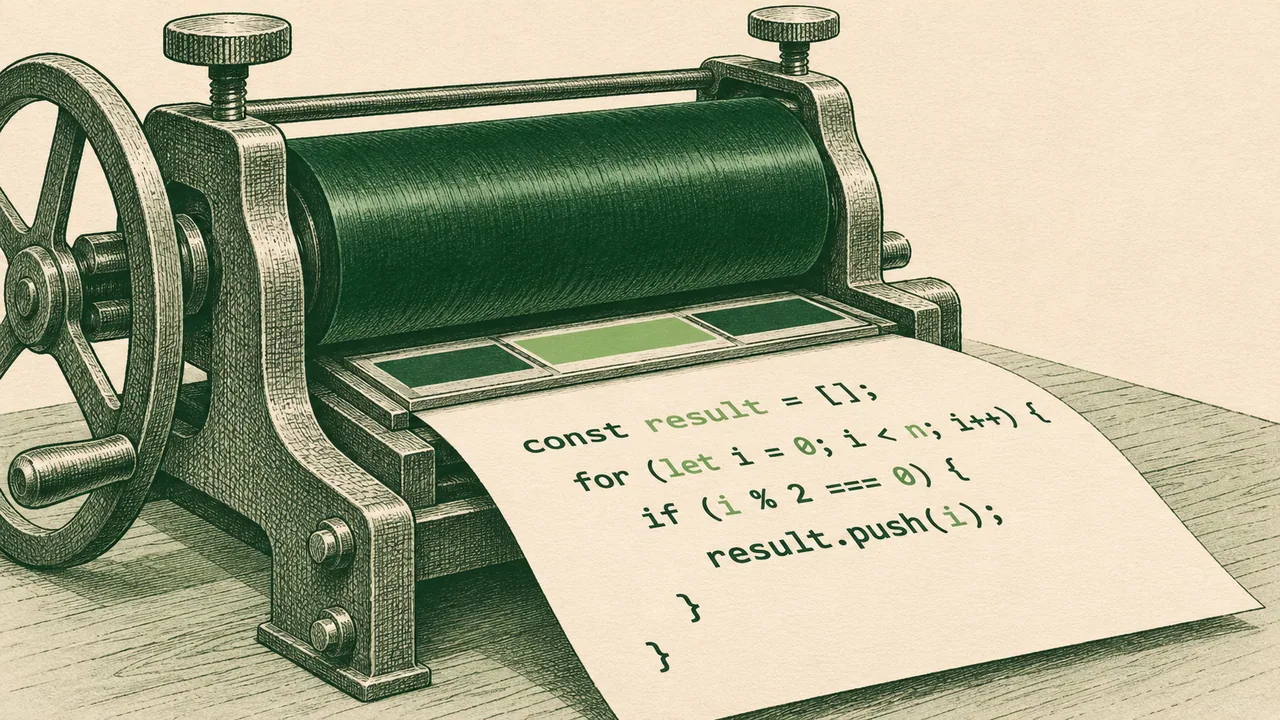
Every fenced code block in Markdown is intercepted by our custom StaticSyntaxCodeBlockRenderer in Markdig. Instead of shipping Prism.js or Highlight.js to the browser, the C# compiler tokenizes C#, SQL, JSON, and shell blocks at build time and emits semantic <span class="tok-kw">, <span class="tok-type">, and <span class="tok-str"> nodes wrapped in a macOS-style terminal header.
Finally, the generator compiles four machine-readable discovery endpoints at the root of the repository:
| Endpoint | Purpose |
|---|---|
/sitemap.xml |
Priority-weighted XML sitemap with <lastmod> timestamps for search engines |
/robots.txt |
Crawler directives pointing to both sitemap.xml and llms.txt |
/llms.txt |
Structured Markdown index following the llmstxt.org specification with AI summaries of every article |
/feed.xml |
Full RSS 2.0 syndication feed |
When a commit is pushed to the deploy branch, our GitHub Actions workflow (deploy-pages.yml) ships the static artifact straight to GitHub Pages—delivering sub-50ms Time to First Byte globally with zero runtime dependencies.
